
Platform-specific text issues
Platform-specific text issues are rarely caused by wording. They are caused by context. The same text can look clean in one app, then break after copy-paste in another: wrapping fails, truncation triggers early on mobile, hashtags stop being recognized, and spacing becomes inconsistent across surfaces.
These failures are driven by invisible Unicode artifacts transported through rendering layers, clipboard representations, and platform parsers. Each platform interprets the same underlying structure differently, because each platform optimizes for its own layout constraints, tokenization rules, and performance requirements.
Five high-impact surfaces are introduced, their most common failure modes are mapped (bio truncation, feed “see more” triggers, mobile wrapping instability, clipboard transport artifacts), and safe normalization patterns are provided for workflows where predictable behavior matters more than preserving invisible formatting rules.
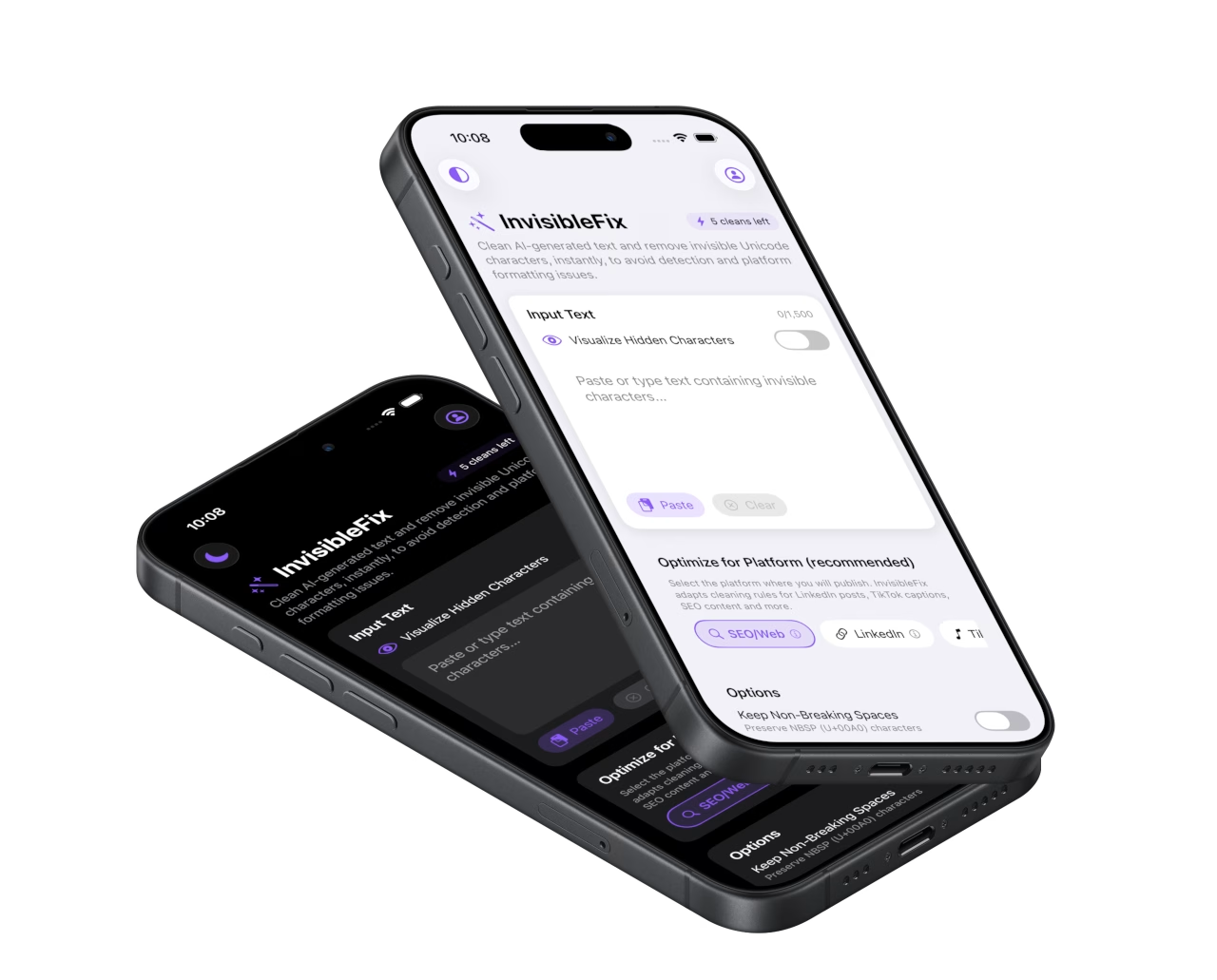
What platform-specific text issues are
Platform-specific text issues are behavior failures that appear when the same content is transported across apps and platforms. Typical failures include bio truncation, early “see more” triggers, wrapping refusal in narrow layouts, broken hashtags or mentions, and spacing instability after paste. These issues are structural rather than stylistic, which is why rewriting often fails to fix them.
The underlying cause is frequently invisible Unicode structure preserved through rendering and clipboard transport. Destination platforms interpret that structure using their own layout and parsing rules, producing different outcomes across devices and publishing surfaces.
The five platform surfaces that matter most
1) Instagram: mobile-first bios and captions
Instagram surfaces amplify hidden structure because bios and captions are constrained and mobile-first. NBSP can remove break opportunities and trigger early truncation, while zero-width boundaries can interfere with token parsing. The dedicated child page is AI text issues on Instagram.
2) LinkedIn: feed truncation and “See more” thresholds
LinkedIn is sensitive to layout height and tokenization. Invisible characters can trigger early truncation and inconsistent wrapping across devices. The dedicated child page is Invisible characters on LinkedIn posts.
3) Mobile: narrow layouts and unstable wrapping
Mobile width and aggressive truncation make invisible structure visible quickly. Text that behaves normally on desktop can break on phones after copy-paste. The dedicated child page is ChatGPT text broken on mobile.
4) iOS clipboard: transport layer artifacts
On iOS, the clipboard may preserve rich representations and invisible whitespace variants. These transport artifacts cause text to behave differently after paste across apps. The dedicated child page is Clipboard text issues on iOS.
5) Social bios: the most fragile text fields
Bios are short, constrained, and highly sensitive to break opportunities. A single invisible character can change wrapping and truncation immediately. The dedicated child page is Invisible characters in social media bios.
Common symptoms
Most platform-specific issues surface as behavior failures: bios that truncate too early, posts that collapse into “see more” too quickly, captions that refuse to wrap, spacing that shifts after paste, broken hashtags and mentions, and content that behaves differently across apps. These symptoms are amplified on mobile due to narrow layouts and aggressive truncation thresholds.
Why it happens
Text is typically produced outside the destination platform. It is rendered through formatting layers, transported through the clipboard, and pasted into a destination platform that parses text for features. Each layer can preserve or introduce invisible Unicode structure. Because this structure is hidden, the problem is often misdiagnosed as a platform bug.
What to do in practice
A stable workflow applies normalization after editing and before publishing. This preserves intent while preventing platform-specific breakage. Local-first normalization keeps drafts private while removing unintended artifacts that cause wrapping, parsing, and truncation failures. For immediate cleanup, use app.invisiblefix.app.
Deep dives
The following articles expand on platform behavior, mobile constraints, and why invisible Unicode becomes visible failure after copy-paste:
