
Non-breaking spaces (NBSP) in text
A non-breaking space, often abbreviated as NBSP, is one of the most common invisible characters responsible for layout problems. It looks identical to a normal space, but it behaves like a rule. Instead of allowing a line break between two words, an NBSP forces them to stay together. That single difference can be enough to trigger overflow, broken wrapping, and early truncation, especially in narrow mobile layouts and platform-specific text fields.
NBSP is not “bad” by definition. It exists for a valid typographic reason: preventing awkward breaks in dates, names, and certain language conventions. The real issue is that NBSP is frequently introduced into text unintentionally through copy-paste and rich formatting sources. Once it is inside a sentence, most editors will hide it, which makes it hard to suspect and even harder to remove systematically without breaking content.
NBSP is defined, its most frequent sources are identified (Docs, PDFs, web pages, AI chat interfaces), and its main failure modes are mapped (wrapping refusal, overflow, early truncation). Detection methods and safe replacement patterns are provided for publishing workflows where layout predictability matters more than typographic nuance.

What it is
NBSP is a Unicode character (U+00A0) that represents a space that should not be used as a break point. Visually, it is indistinguishable from a regular space (U+0020) in most interfaces. Behaviorally, it prevents line breaks between the surrounding characters. In other words, NBSP tells the layout engine: treat these words as a single unbreakable unit.
This matters because modern layouts are responsive. They need flexible break opportunities to adapt to different screen widths. When an NBSP replaces a normal space in a headline, a button label, a card title, a bio, or a snippet, the layout engine loses one of its most important break points. If the remaining break points are not sufficient, the system either overflows the container or truncates the text earlier than expected.
NBSP is commonly used intentionally in typography to keep elements together, such as “$ 10” or “Dec 20” or initials and last names. The problem is that it also enters text unintentionally through copy-paste, where it keeps its behavior but loses its intent. That creates a mismatch between what the writer expects and what the platform renders.
Why it happens
NBSP appears in text for two broad reasons: intentional typography and accidental transport. In typography-heavy sources, NBSP is inserted to prevent bad-looking breaks. In transport-heavy workflows, NBSP is copied along with the text, even when its behavior is no longer appropriate. Because NBSP looks like a regular space, it can spread silently across tools and platforms.
The most common NBSP sources are document editors, PDFs, and web pages that use non-breaking spaces for layout control. In 2025 workflows, AI-generated text is also a frequent transport vector, not because the model generates NBSP intentionally, but because chat and clipboard layers sometimes preserve non-standard whitespace when text is copied between systems.
Docs and collaborative editors
Google Docs and Word often insert NBSP to keep certain fragments together. This can happen in dates, numeric formatting, punctuation conventions, or justified layouts. Collaborative editing increases the likelihood that NBSP enters text because multiple editors, templates, and languages can introduce different spacing rules. When a fragment is copied out of the document, NBSP comes along, and it remains invisible in most destination editors.
PDF extraction and copy-paste reconstruction
PDF extraction tools frequently introduce NBSP because PDFs are layout-first documents. When text is reconstructed from positioned glyphs, spacing must be approximated. NBSP is often used to preserve visual alignment. The copied result looks correct but contains a high density of non-breaking spaces. When pasted into responsive environments, those NBSPs prevent wrapping and cause overflow or truncation.
Web pages and HTML formatting
On the web, NBSP is commonly used in HTML to create non-breaking behavior or to preserve spacing in inline elements. When users copy text from rich web pages, the browser may include NBSP directly in the clipboard. This is why content copied from documentation pages, marketing pages, or formatted lists can behave strangely once pasted elsewhere.
AI workflows and chat interfaces
AI chat interfaces often apply formatting rules and render text through UI layers that aim to keep output readable. When that text is copied, some of the non-standard whitespace can be preserved in the clipboard representation. This is why NBSP issues show up in “AI text formatting problems” even when the author never intended any special spacing. Platform-specific references like clean AI text for Instagram and clean AI text for LinkedIn are relevant because NBSP has a disproportionate impact in narrow, mobile-first text fields.
Common symptoms
NBSP problems are easy to recognize once you know the pattern: text looks normal, but refuses to behave normally. The symptoms are usually not “broken characters”. They are broken layout decisions. The most common symptom is wrapping failure, where a phrase becomes unbreakable and pushes beyond the container width.
Typical NBSP symptoms include headings that overflow on mobile, button labels that do not wrap, bios or captions that truncate early, and snippets that appear oddly spaced. In some contexts, NBSP can also affect search matching or copy selection behavior, but the primary damage is almost always layout-related.
Why the symptom is amplified on mobile
Mobile layouts have less width and fewer break opportunities, so the loss of a single break point matters more. An NBSP that is harmless on desktop can become catastrophic on mobile. This is why teams often discover NBSP only after publishing, when the content is viewed in a constrained layout, or when a platform’s truncation threshold is triggered earlier than expected.
How to detect it
Detecting NBSP is difficult because it looks like a normal space. You cannot reliably spot it by eye. Even Find and Replace is often insufficient because many tools treat different whitespace characters as equivalent. The most reliable detection methods either reveal invisible characters explicitly or inspect the underlying Unicode code points.
Method 1: reveal non-standard whitespace in a code-aware editor
Some editors can display special whitespace, showing NBSP as a distinct symbol. This is effective for diagnosis but not scalable for high-volume workflows. It is also not realistic for mobile-first publishing teams who live inside social apps and CMS interfaces.
Method 2: inspect code points
A code point inspection tool can confirm whether a suspicious space is U+0020 or U+00A0. This is the highest-confidence method. The drawback is friction. Most workflows cannot pause to inspect code points for every paste operation, which is why normalization is usually a better operational approach.
Method 3: test wrapping in a narrow container
A practical field test is to paste the text into a narrow layout and watch for wrapping refusal. If a phrase behaves like a single unbreakable block, NBSP is a likely culprit. This is not proof, but it is a strong signal when combined with known high-risk sources like Docs, PDFs, or web pages.
How to fix it safely
The safest fix is controlled normalization: replace NBSP with a standard space in contexts where non-breaking behavior is not required. This restores flexible wrapping without changing the visible content. The challenge is that some NBSP uses are legitimate. For example, certain number formats and language conventions intentionally require non-breaking behavior. That is why blind removal can cause minor typographic regressions even when it fixes major layout issues.
A safe approach is to normalize with intent: remove NBSP where it causes layout breakage and preserve it only where it is semantically necessary. In practice, most publishing workflows benefit from replacing NBSP with normal spaces before posting to social platforms, CMS fields, and mobile-first surfaces, because those environments value predictable wrapping over typographic nuance.
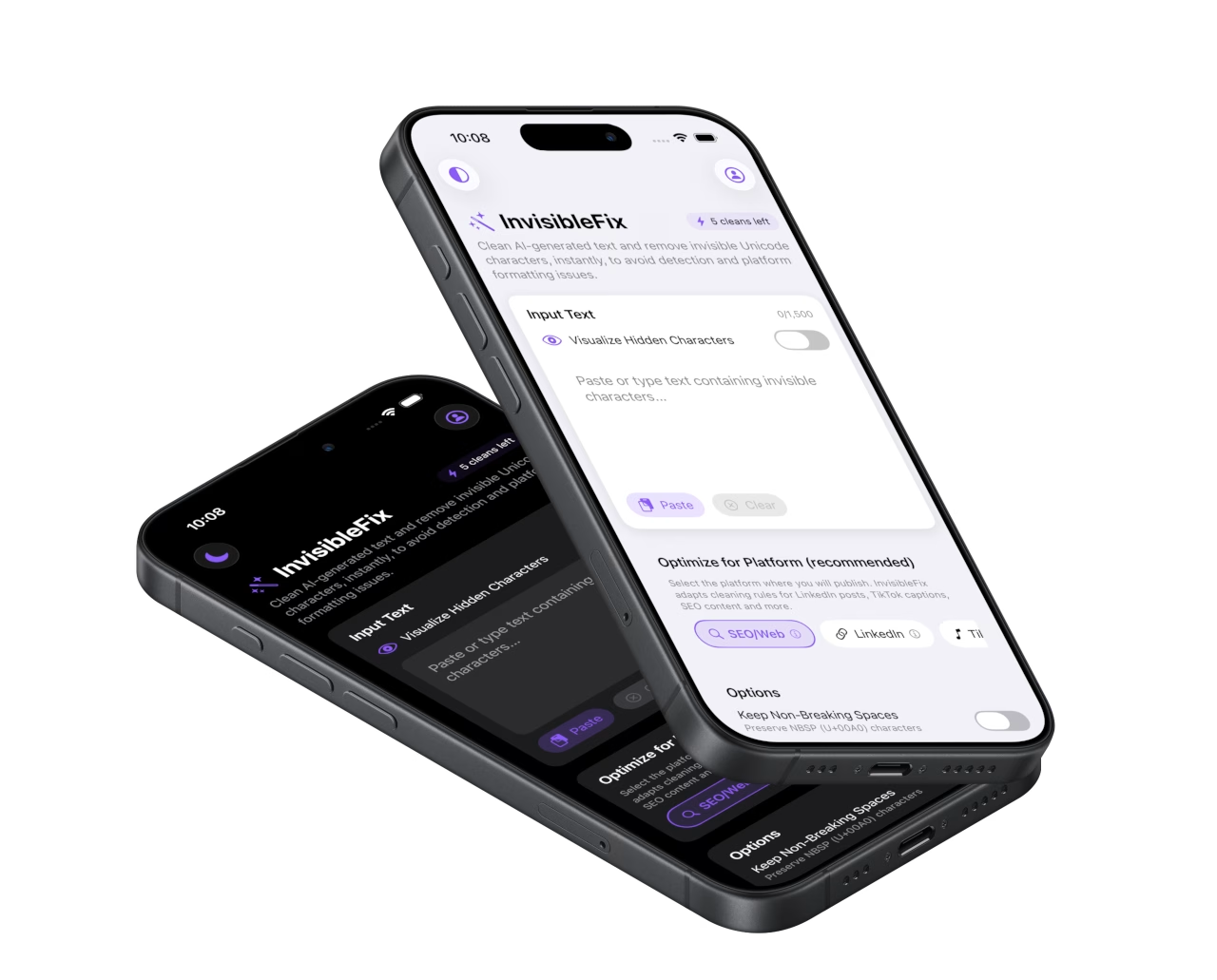
If the workflow includes frequent copy-paste from high-risk sources, normalization should be a standard step. The Unicode hygiene checklist summarizes a repeatable process. For immediate cleanup, text can be normalized locally in the web app at app.invisiblefix.app, where invisible whitespace can be standardized before publishing.
NBSP is a perfect example of why invisible Unicode characters create disproportionate costs. One invisible space can break a layout, trigger truncation, and waste hours of debugging. Once NBSP is normalized, the layout becomes flexible again and responsive design behaves as expected.
FAQ: non-breaking spaces (NBSP)
What is a non-breaking space (NBSP)?
Why does NBSP break mobile layouts?
Where do non-breaking spaces usually come from?
How can I detect NBSP if it looks like a normal space?
Is it safe to remove all NBSP characters?
Privacy, security & deep dives

 Invisible Fix

