
Hidden formatting characters in AI-generated text
Hidden formatting characters are invisible Unicode marks and non-standard whitespace that alter how text behaves without changing how it looks. In AI-generated content workflows, these artifacts often surface as “platform bugs”: captions that truncate early, headings that refuse to wrap, hashtags that stop being recognized, or text that behaves differently after copy-paste. The text looks clean, but its structure carries invisible rules.
The root cause is rarely the language model alone. The real complexity lives in the layers around it: chat rendering, markdown-to-display conversion, clipboard packaging, and the destination platform’s parsing rules. Each layer can preserve, transform, or introduce special characters that remain invisible in most editors. Once transported into a CMS field or a social post composer, those characters can influence wrapping, segmentation, and matching.
This topic sits at the intersection of Unicode structure and AI workflows. The Invisible Unicode characters guide covers the broader landscape. For two high-impact mechanisms, refer to Non-breaking spaces (NBSP) in text and Zero-width characters explained, because hidden formatting in AI text is often a combination of both.
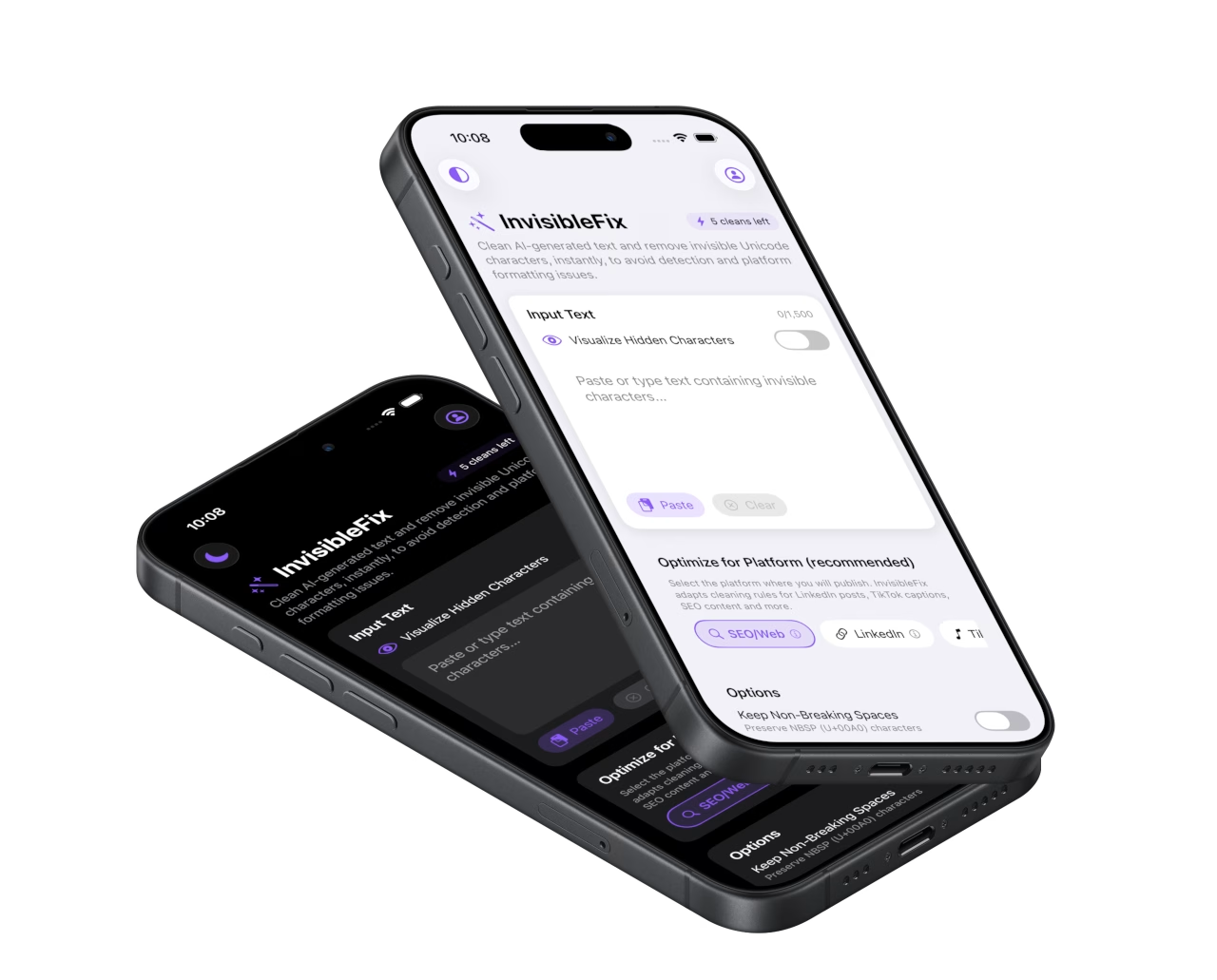

What it is
Hidden formatting characters are Unicode code points that influence layout, segmentation, and rendering while remaining invisible in typical interfaces. They include non-breaking spaces (NBSP), zero-width characters (ZWSP, ZWJ, ZWNJ), directional marks (LRM, RLM), and other control marks that can change how text wraps, how tokens are detected, or how cursor selection behaves. They are valid text characters, which is why they survive copy-paste and storage layers, even when editors refuse to show them.
In AI publishing workflows, the visible output is often treated as the “final” text. The hidden structure is not inspected. That creates a gap between human perception and platform behavior. The goal is not to remove everything invisible. The goal is to remove unintended artifacts while preserving meaning, emoji integrity, and multilingual shaping where required.
Why AI workflows amplify hidden formatting
AI-generated text rarely travels directly from the model to the destination platform. It usually travels through a UI pipeline. The text is rendered in a chat interface, often with markdown and typography rules. It is then copied through the clipboard, which may carry multiple representations of the same content. Finally, it is pasted into a destination app that tokenizes and parses the text according to its own rules. Hidden formatting artifacts often emerge from that pipeline, not from intent.
The risk is layering. Each step can preserve non-standard whitespace, introduce invisible separators, or normalize characters in ways that change behavior. The more hops in the workflow, the more opportunities for subtle artifacts to accumulate. This is why teams publishing at scale often see a small percentage of posts “misbehave” even when the content looks consistent.
Rendering and markdown conversion
Many chat interfaces render content through markdown-to-display conversions. Lists, emphasis, code formatting, and punctuation can be handled differently depending on the UI. During rendering, some systems preserve spacing semantics by using special spaces or separators. When copied, these characters remain inside the text even if the destination does not expect them.
Clipboard packaging and rich representations
Copy-paste is not always a simple string transfer. The clipboard can carry rich text, attributed strings, or HTML fragments. The destination chooses which representation to consume. This selection process can preserve hidden characters and whitespace variants that are not obvious in plain view. It also explains why the same copied text can behave differently across apps and platforms.
Platform tokenization and parsing
Social platforms and CMS editors parse text for features such as hashtags, mentions, links, previews, and truncation. Invisible boundaries can disrupt token detection. This is why hidden formatting artifacts can break a hashtag that looks correct, or trigger truncation earlier than expected. Platform-sensitive contexts like Instagram and LinkedIn amplify these issues because they combine parsing and narrow layout constraints.
Common symptoms
Hidden formatting artifacts usually present as behavior failures rather than visible corruption. The most frequent symptoms are wrapping refusal (often NBSP), broken hashtags or mentions (often zero-width boundaries), early truncation on mobile, inconsistent spacing in snippets, and selection or cursor behavior that feels unstable. In some cases, content can look identical across drafts but behave differently once pasted into a platform composer.
A practical pattern is “it worked yesterday, it fails today” with the same style of content. That inconsistency often comes from small differences in the copy-paste pipeline, not from the destination platform itself. If the same text behaves differently in two destinations, hidden formatting artifacts are a strong suspect.
How to detect hidden formatting
Detection is difficult because many artifacts are visually indistinguishable from normal spacing or have no glyph at all. Reliable detection comes from revealing special whitespace, inspecting code points, or using a tool that normalizes text and removes unintended artifacts safely. For publishing workflows, normalization often beats manual detection because it reduces variability without requiring forensic inspection for every paste.
Method 1: reveal invisibles in a code-aware editor
A code-aware editor can display NBSP and some control marks using distinct symbols. This is effective for diagnosis and debugging recurring issues, but it is not practical for high-volume publishing teams or mobile-first workflows.
Method 2: inspect Unicode code points
Code point inspection provides certainty, especially when confirming NBSP (U+00A0) or zero-width artifacts (U+200B, U+200C, U+200D). It is best used when a platform failure is reproducible and needs a definitive root cause.
Method 3: symptom-driven signals
When a hashtag stops registering, when a line refuses to wrap, or when truncation triggers too early, hidden formatting artifacts are a likely cause. The signal becomes stronger when the source is known to be high-risk: AI chats, Docs, PDFs, or web pages with rich formatting.
How to fix it safely
Safe cleanup requires controlled normalization. Not all invisible characters are unwanted. ZWJ is required for many emoji sequences. Direction marks are legitimate in mixed-script contexts. NBSP can be correct in typographic conventions. A safe workflow removes unintended artifacts that cause breakage while preserving those required for meaning and rendering.
In most publishing contexts, predictable behavior matters more than preserving hidden layout rules. Normalizing text before publishing reduces the number of hidden states that can cause platform-specific failures. The Unicode hygiene checklist summarizes a repeatable baseline. For immediate cleanup, text can be normalized locally in the web app at app.invisiblefix.app.
Once hidden formatting artifacts are normalized, wrapping becomes flexible again, hashtags become reliably parsable, and copy-paste stops producing inconsistent outcomes across devices and platforms.

 Invisible Fix

