
Invisible Unicode characters
Invisible Unicode characters are valid code points that remain hidden in most interfaces while still changing behavior. They can look like normal spaces, appear as “nothing”, or act as invisible controls. The impact is practical: text that refuses to wrap, truncates early on mobile, breaks hashtags, behaves differently after copy-paste, or produces inconsistent spacing across platforms.
These characters are not rare and they are not new. What changed is the workflow. Modern content moves across chat interfaces, the clipboard, mobile apps, CMS editors, and social platforms at high speed. Each hop increases the chance that invisible structure travels with the text. When the structure is invisible, it is diagnosed late, usually after publishing, when failures become visible.
This hub consolidates the three mechanisms that account for most real-world breakage. Each child page goes deep on one mechanism and provides detection and safe normalization patterns:
- Non-breaking spaces (NBSP) in text
- Zero-width characters explained
- Hidden formatting characters in AI-generated text
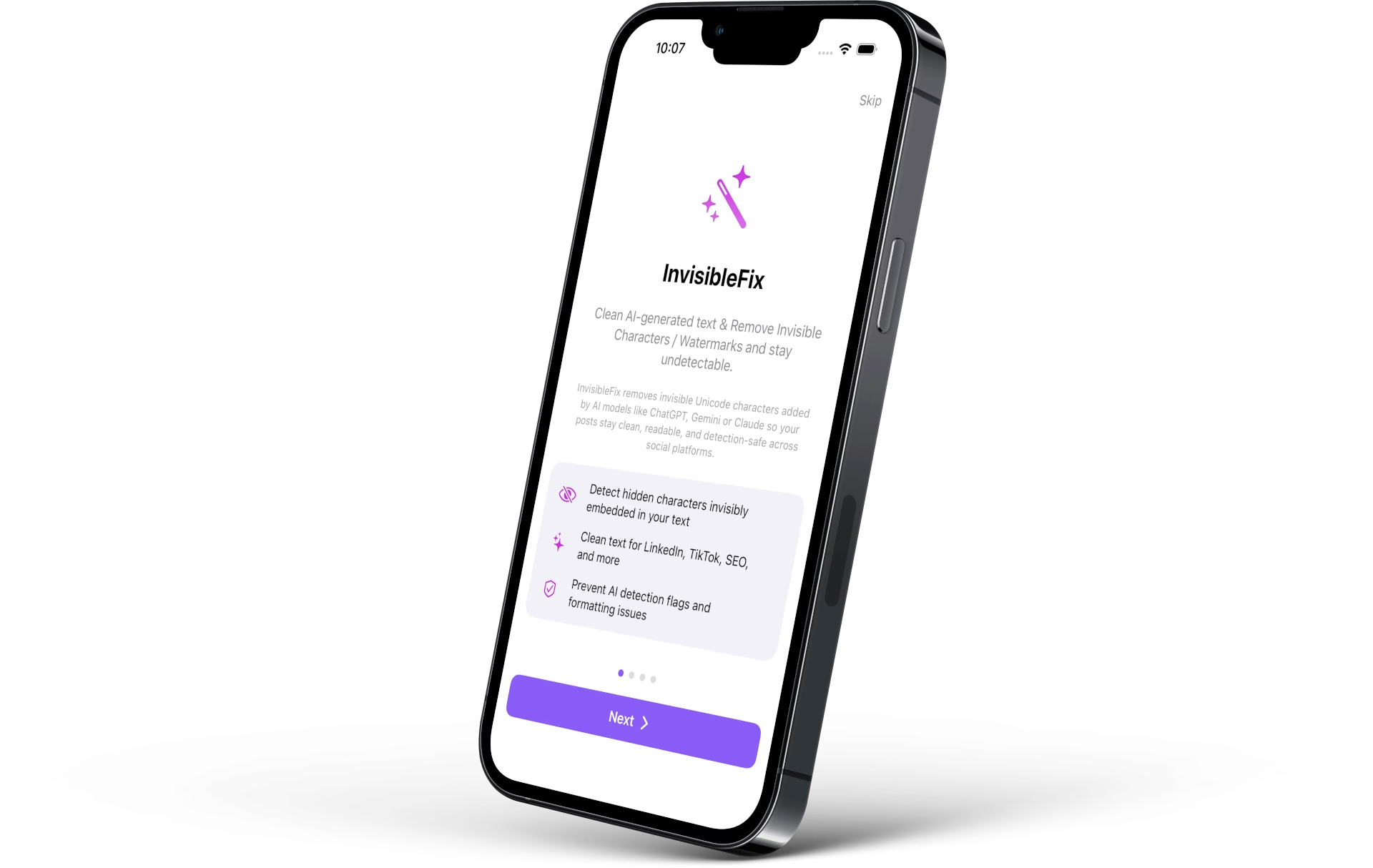
For immediate cleanup in publishing workflows, normalization can be done locally at app.invisiblefix.app. For a repeatable baseline, the Unicode hygiene checklist outlines a practical sequence that reduces platform-specific breakage.
What invisible Unicode characters are
Invisible Unicode characters are code points that influence layout, segmentation, or rendering without presenting a visible glyph in typical interfaces. Some are “invisible” because they have no visual representation, such as certain zero-width marks. Others are invisible because they look identical to a standard character, such as non-breaking spaces that look like normal spaces. Others operate as control marks, affecting direction, joining behavior, or parsing boundaries.
The key idea is that these characters are real text, not metadata. They are stored, copied, indexed, and interpreted by platforms. That is why they can cause behavioral failures long after the original copy-paste action that introduced them.
The three core mechanisms
1) NBSP: invisible spaces that remove line breaks
Non-breaking spaces (U+00A0) look like normal spaces but prevent line breaks. In narrow layouts, one NBSP can force overflow, break responsive wrapping, or trigger truncation earlier than expected. The dedicated reference page is Non-breaking spaces (NBSP) in text.
2) Zero-width: invisible boundaries and invisible glue
Zero-width characters can split tokens invisibly (breaking hashtags and mentions), or join characters (often required for emoji sequences). Because they render no glyph, they are difficult to detect and can produce inconsistent parsing across platforms. The dedicated reference page is Zero-width characters explained.
3) Hidden formatting in AI workflows: artifacts from rendering and transport
AI-generated text often travels through UI layers that render markdown, preserve typography, and package clipboard data in multiple representations. The risk is not intent, but layering. Invisible structure can survive copy-paste and later influence wrapping, tokenization, and mobile truncation. The dedicated reference page is Hidden formatting characters in AI-generated text.
Where they usually come from
Most invisible Unicode issues originate from predictable sources. Document editors and templates introduce non-standard spaces for typography. PDF extraction reconstructs layout by inserting spacing artifacts. Web pages carry NBSP and layout-driven separators via HTML. Chat interfaces and rich editors transport hidden structure through the clipboard. This is why “copied text behaves differently” across apps even when it looks identical.
A practical deep dive on inputs is available here: Common sources of hidden characters. A dedicated explanation of cross-platform paste variability is available here: Why copied text behaves differently across platforms.
Symptoms that reveal invisible structure
Invisible Unicode issues are usually discovered through behavior failures rather than visible corruption. The most frequent symptoms include wrapping refusal (often NBSP), broken hashtags or mentions (often zero-width boundaries), early truncation on mobile, inconsistent spacing in previews and snippets, and selection behavior that feels unstable.
When failures appear “random”, the underlying cause is often a small hidden difference in the characters transported through copy-paste. A deep dive on why detection is difficult is available here: Why invisible characters are hard to detect. A deep dive on layout behavior is available here: Why invisible characters break layouts and truncation.
Safe normalization before publishing
The most reliable strategy is to normalize text before it reaches a platform where invisible structure becomes visible failure. Safe normalization standardizes whitespace, removes unintended separators, and preserves required characters for emoji and multilingual shaping. It reduces the number of hidden states a text can carry, making wrapping, parsing, and mobile behavior predictable.
A repeatable baseline is provided in the Unicode hygiene checklist. For immediate cleanup, text can be normalized locally at app.invisiblefix.app to keep content private while removing invisible artifacts.
