
Contact
Support
Use this form for product questions, integration ideas, platform-specific edge cases, or anything related to invisible Unicode characters and formatting bugs.
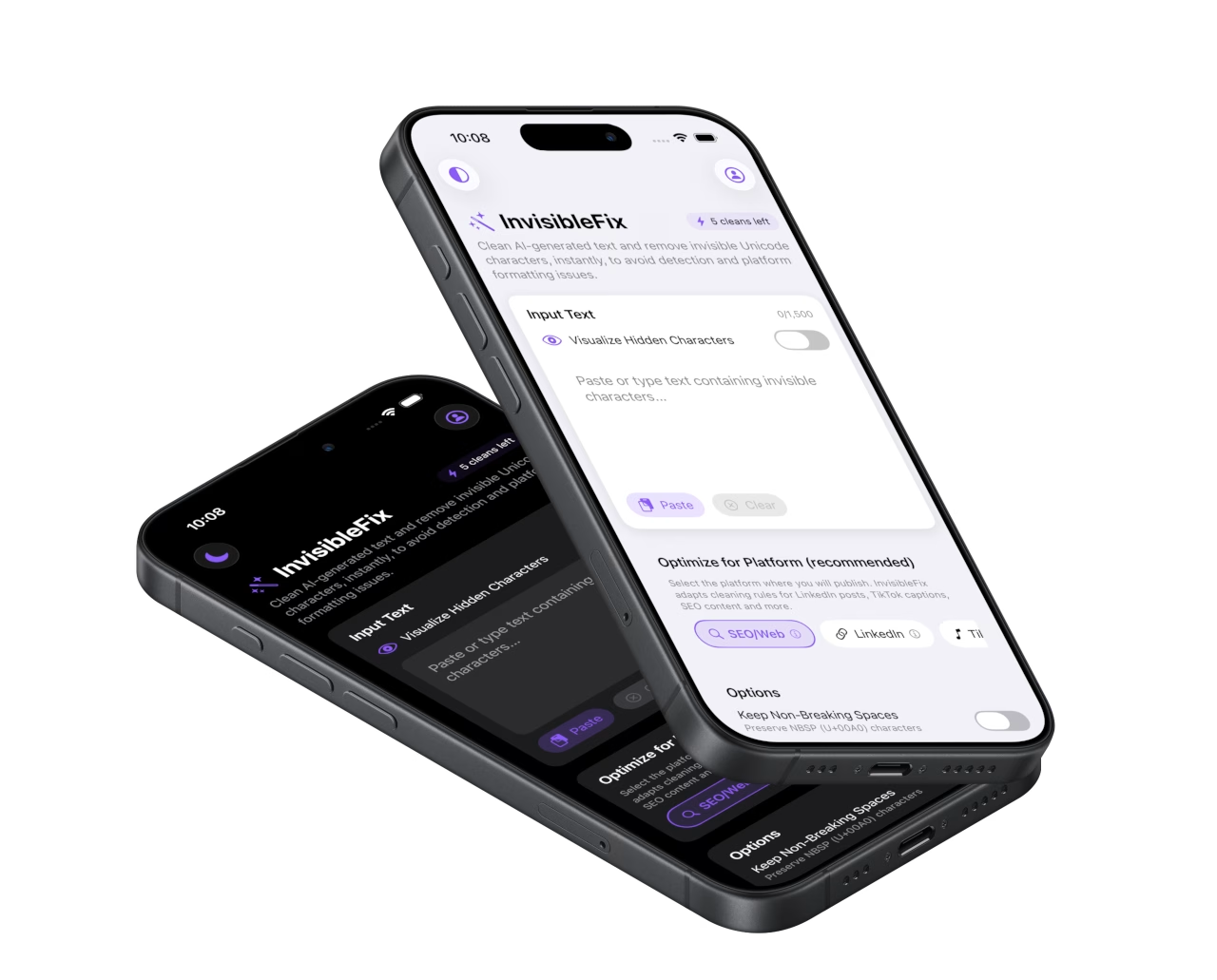
InvisibleFix FAQ
Quick answers to the most common questions about InvisibleFix, Unicode cleaning, and what the plugin changes (and does not change).
Does InvisibleFix rewrite my text or change my tone?
No. InvisibleFix is a sanitization layer. It removes invisible Unicode characters and normalizes formatting where needed, but it does not paraphrase, summarize, or alter the meaning of your message.
What exactly gets removed?
InvisibleFix targets problematic Unicode characters that silently break rendering: zero-width characters (ZWS, ZWJ, ZWNJ), NBSP, BOM, Bidi controls, and other non-standard spacing and control marks introduced by AI tools, PDFs, Docs, and chat apps.
Why does AI-generated text break hashtags or line breaks?
Because some platforms interpret invisible spaces as real boundaries or non-breakable segments. A single NBSP or zero-width character can change how a caption wraps, how a hashtag parses, or where a snippet gets truncated. InvisibleFix removes that noise before you publish.
When should I use the Web App vs the iOS Keyboard?
Use the Web App for desktop workflows (long form, CMS, SEO fields, newsletters). Use the iOS Keyboard for mobile-first publishing (captions, bios, DMs, quick replies) without leaving your app. Both share the same sanitization engine.
Is InvisibleFix only for AI text?
No. Any text that moves between tools can accumulate invisible characters: Google Docs, PDFs, Slack, Teams, email, and more. Cleaning improves predictability even when the original text was written by a human.
Start with a clean paste
Open the Web App or install the iOS Keyboard and remove invisible Unicode characters before your text reaches real users or search engines.
