
ChatGPT text broken on mobile
ChatGPT text often looks correct in the interface where it is generated, then breaks after copy-paste on mobile. Wrapping becomes unstable, truncation triggers earlier than expected, spacing shifts between apps, and the same content behaves differently depending on where it is pasted. These failures are rarely caused by wording. They are caused by invisible structure interacting with mobile rendering and clipboard transport.
Mobile environments are more sensitive because layouts are narrower, truncation thresholds trigger faster, and apps interpret clipboard content differently. Invisible Unicode artifacts such as NBSP and zero-width marks change break opportunities and token boundaries without changing what the text looks like. The platform follows structure, not appearance.
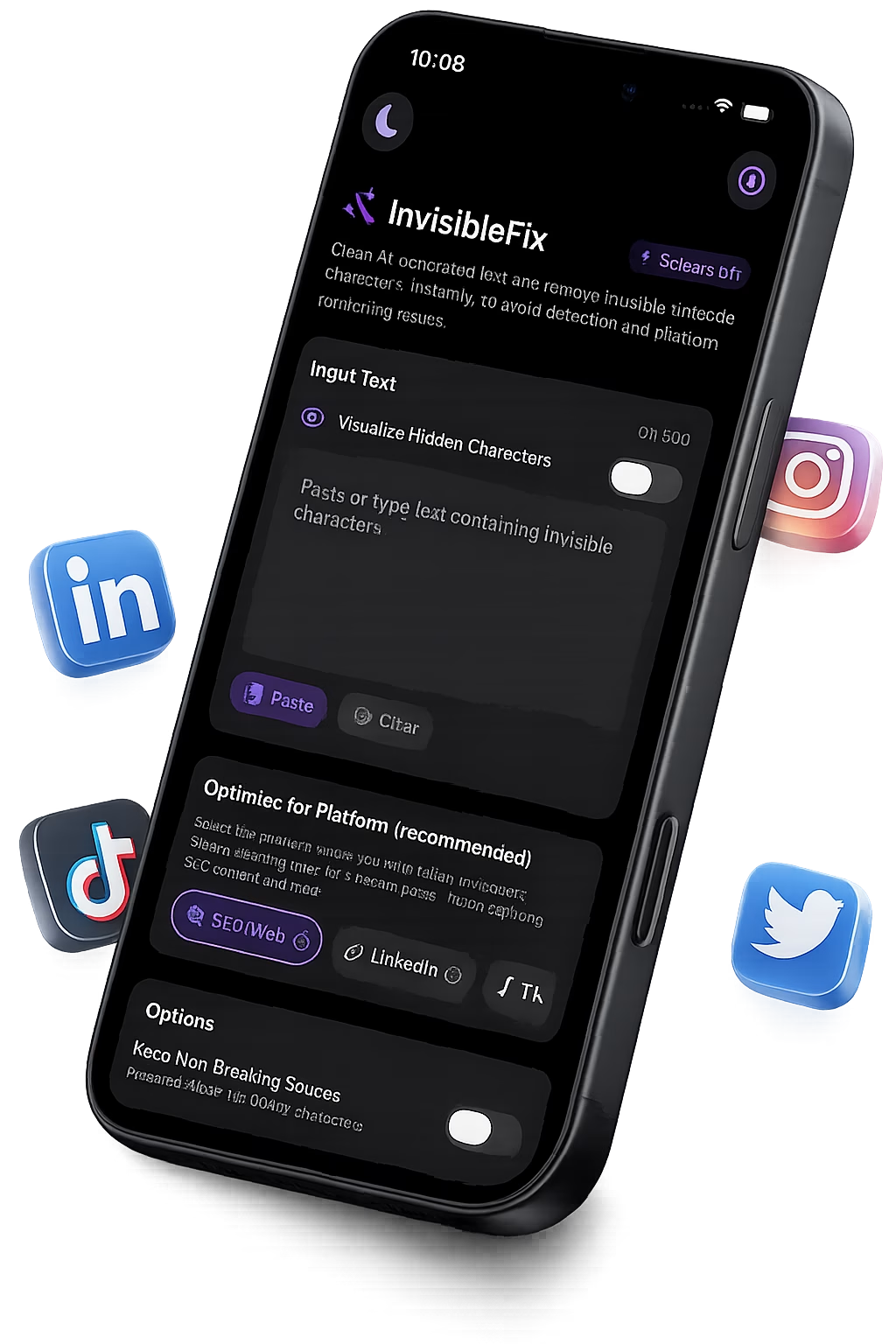
Mobile-specific failure modes are mapped, the most common artifact families are identified (NBSP, zero-width marks, hidden formatting residue), and their impact on wrapping and truncation is connected to real mobile behavior across apps. For the platform hub, see Platform-specific text issues.
What it is
“ChatGPT text broken on mobile” refers to behavioral failures that appear after AI output is pasted into mobile text fields. The visible content remains the same, but mobile rendering and parsing behave unpredictably: lines refuse to wrap, truncation triggers too early, hashtags or tokens behave inconsistently, and spacing changes between apps. The underlying cause is usually invisible Unicode structure transported through copy-paste.
In practical terms, the most common culprits are non-breaking spaces that remove line-break opportunities, zero-width characters that split or join tokens invisibly, and hidden formatting residue carried through rendering layers and clipboard representations. These artifacts are valid Unicode, which is why mobile apps store and interpret them even when authors cannot see them.
Why it happens
ChatGPT output is produced outside the destination app. It is rendered inside a chat interface optimized for readability, then copied into a mobile app that is optimized for performance and consistent display. Each step introduces a layer where invisible structure can be preserved. The longer the pipeline, the more hidden states the text can carry.
Copy-paste is the main boundary where invisible artifacts enter mobile apps. The clipboard can carry multiple representations of the same content, and each app chooses what to consume. That selection can preserve invisible characters that were harmless in the source context but disruptive in narrow mobile layouts.
Mobile width and truncation thresholds
Mobile containers are narrow and truncation triggers early. A single NBSP can remove a critical break point and force a long phrase to remain unbreakable, increasing layout height and triggering truncation sooner. This is why a text that “fits” on desktop can break on mobile with the same visible wording.
App-to-app differences in text engines
Mobile apps do not interpret text identically. Notes, Messages, Instagram, LinkedIn, and CMS editors apply different sanitization and rendering rules. A hidden character ignored in one app can cause wrapping or truncation issues in another. This variability makes the problem feel inconsistent even when the underlying text is the same.
Clipboard transport and attributed representations
The clipboard often contains plain text and richer attributed representations at the same time. The destination chooses what it prefers. That is why pasted ChatGPT text can behave differently across apps even when it looks identical. On mobile, the impact is amplified because constraints are tighter and layout recalculation is more frequent.
Common symptoms
Mobile failures are usually behavioral, not visual. Common symptoms include lines that refuse to wrap naturally, captions that truncate earlier than expected, spacing that shifts after minor edits, and content that behaves differently between editor preview and published rendering.
Why the symptom is amplified on mobile
Mobile layouts are narrower and truncation triggers earlier. Hidden structure has less room to hide. NBSP removes break opportunities, and zero-width boundaries alter tokenization just enough to change layout height and truncation behavior.
How to detect it
Invisible artifacts are difficult to detect because mobile editors hide them by design and find-and-replace cannot reliably target “nothing”. Detection relies on behavioral signals and controlled testing.
Behavior-based signals
If ChatGPT text wraps differently after paste, truncates earlier than expected, or behaves inconsistently across apps, invisible Unicode is a strong suspect. The signal becomes stronger when the same content behaves normally after retyping.
Structural inspection
Unicode inspection tools can confirm NBSP and zero-width marks, but this approach is impractical for mobile-first workflows. Normalization is usually more effective than diagnosis in day-to-day publishing.
How to fix it safely
Safe cleanup requires controlled normalization. Not all invisible Unicode is unwanted. ZWJ is required for many emoji sequences, and some marks are legitimate in multilingual contexts. A safe workflow removes unintended artifacts that cause breakage while preserving required characters for meaning and rendering.
For mobile workflows, predictable behavior usually matters more than preserving invisible layout rules. This is why normalization is best applied after editing and before pasting into mobile apps. The related article Why ChatGPT text behaves differently on iPhone covers the iPhone-specific transport layer. For immediate cleanup, text can be normalized locally at app.invisiblefix.app. For iOS clipboard behavior, see Clipboard text issues on iOS.
Once invisible structure is normalized, ChatGPT output behaves predictably on mobile: wrapping stabilizes, truncation triggers where expected, and copy-paste becomes reliable across apps.

 Invisible Fix

