
ChatGPT text formatting issues
ChatGPT output can look perfectly clean in the chat interface, then behave unpredictably once pasted elsewhere. Common failures include text that refuses to wrap, spacing that shifts on mobile, captions that truncate earlier than expected, and hashtags or mentions that stop being recognized. These issues are usually not caused by the wording. They are caused by invisible structure embedded in the text stream.
Most ChatGPT formatting issues are introduced or preserved by rendering layers and copy-paste transport. The clipboard can carry non-standard whitespace and invisible Unicode artifacts that remain hidden in most editors. Once pasted into a CMS, social platform, or mobile composer, those artifacts influence wrapping rules, tokenization, and truncation thresholds.
The most frequent artifact families are identified (NBSP, zero-width marks, hidden formatting residue), and their most common failure modes are mapped (wrapping refusal, broken hashtags, early truncation). Safe normalization patterns are provided for workflows where predictable behavior matters more than preserving invisible formatting rules.
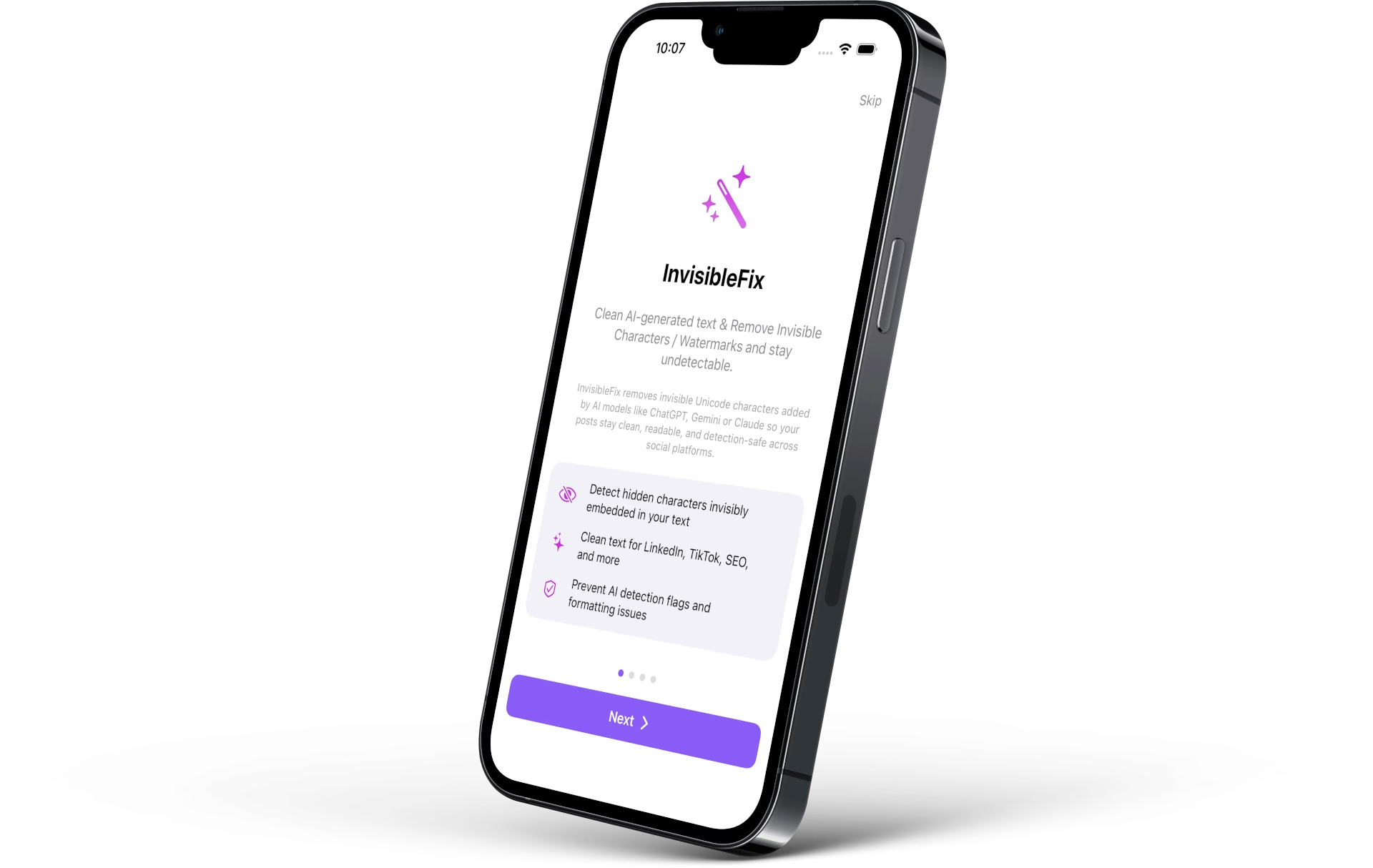
What these issues are
ChatGPT text formatting issues are behavior failures that appear after copy-paste: wrapping changes, spacing becomes inconsistent, truncation triggers earlier, and parsing features like hashtags become unreliable. The underlying cause is often invisible Unicode structure transported through the workflow. These characters are valid text, so platforms store and interpret them even when editors do not display them.
These issues are part of the broader category of invisible Unicode characters. In ChatGPT workflows, they surface more frequently because content is typically generated outside the destination editor and transported through the clipboard.
Why it happens
ChatGPT output is rendered through UI layers optimized for readability. Markdown-like formatting, typography rules, and spacing normalization can preserve non-standard whitespace. When copied, the clipboard may include those characters in the resulting text representation. Once pasted, the destination platform interprets the structure according to its own parsing and layout rules.
This is why identical-looking text can behave differently across platforms. The visible layer is stable. The invisible layer is not.
Copy-paste as the main boundary
Copy-paste is where invisible artifacts most often cross into publishing systems. The clipboard can carry multiple representations of the same content, and the destination chooses what to consume. That selection can preserve hidden structure that later breaks wrapping or parsing.
Mobile constraints amplify the failure
Mobile layouts are narrower and truncation triggers earlier. A single non-breaking space can remove a critical break point and force overflow. A zero-width boundary can split a token invisibly and break hashtag recognition. This is why ChatGPT formatting issues are often discovered on mobile first.
The common invisible culprits
Non-breaking spaces (NBSP)
NBSP (U+00A0) looks like a normal space but prevents line breaks. It is a top cause of wrapping refusal and early truncation in narrow containers. The dedicated reference is Non-breaking spaces (NBSP) in text.
Zero-width characters
Zero-width marks can split tokens invisibly and disrupt parsing. Hashtags and mentions can look correct but stop being recognized. The dedicated reference is Zero-width characters explained.
Hidden formatting residue
Rendering and clipboard transport can preserve hidden formatting characters that change behavior without changing appearance. A broader treatment of this topic is available in Hidden formatting characters in AI-generated text.
Common symptoms
The most frequent symptoms include headings and captions that refuse to wrap, early truncation in mobile feeds, spacing that shifts after paste, hashtags or mentions that stop being parsed, and text that behaves differently across apps. These failures are behavioral rather than visual, which is why they are often misdiagnosed.
Platform-specific manifestations
Parser-sensitive environments amplify the symptoms. When publishing to social platforms, it can be useful to reference platform-specific cleanup guides such as clean AI text for Instagram and clean AI text for LinkedIn.
How to detect the cause
Invisible artifacts are difficult to detect because editors hide them by design. Find-and-replace cannot reliably target invisible characters, and many tools treat whitespace variants as equivalent. Reliable detection requires revealing special whitespace, inspecting code points, or using a normalization step that removes unintended structure predictably.
Method 1: reveal special whitespace
A code-aware editor can display NBSP and some control marks with distinct symbols. This is useful for diagnosis, but not scalable for publishing workflows.
Method 2: inspect Unicode code points
Code point inspection provides certainty when confirming NBSP or zero-width artifacts. It is best used when a recurring issue needs a definitive root cause.
Method 3: symptom-driven validation
When a hashtag stops registering, when text refuses to wrap in a narrow container, or when truncation triggers earlier than expected, invisible artifacts are likely. The signal becomes stronger when the source is a ChatGPT copy-paste workflow.
How to fix it safely
Safe cleanup requires controlled normalization. Not all invisible Unicode is unwanted. Some characters are required for emoji sequences and multilingual shaping. The goal is to remove unintended artifacts that cause breakage while preserving required Unicode for meaning and rendering.
For AI workflows, the clean step is introduced in Clean AI-generated text. The repeatable process is formalized in Normalize AI text before publishing. For immediate cleanup, text can be normalized locally using app.invisiblefix.app.
Once ChatGPT output is normalized, formatting becomes predictable: wrapping is flexible, hashtags parse reliably, and mobile truncation behaves consistently across platforms.

 Invisible Fix

