
AI-generated text issues
AI-generated text issues are rarely caused by wording. They are caused by structure. Content can look clean in the tool where it was generated, then behave unpredictably after copy-paste: wrapping fails, truncation triggers early on mobile, hashtags stop being recognized, and spacing becomes inconsistent across platforms.
These failures are driven by invisible Unicode artifacts transported through rendering layers, clipboard representations, and platform parsers. Because most editors hide this structure, issues are diagnosed late, usually after publishing. A consistent workflow requires a hygiene step before content hits real platforms.
The three core mechanisms are introduced, their main failure modes are mapped (wrapping refusal, broken hashtags, early truncation), and safe normalization patterns are provided for workflows where predictable behavior matters more than preserving invisible formatting rules.
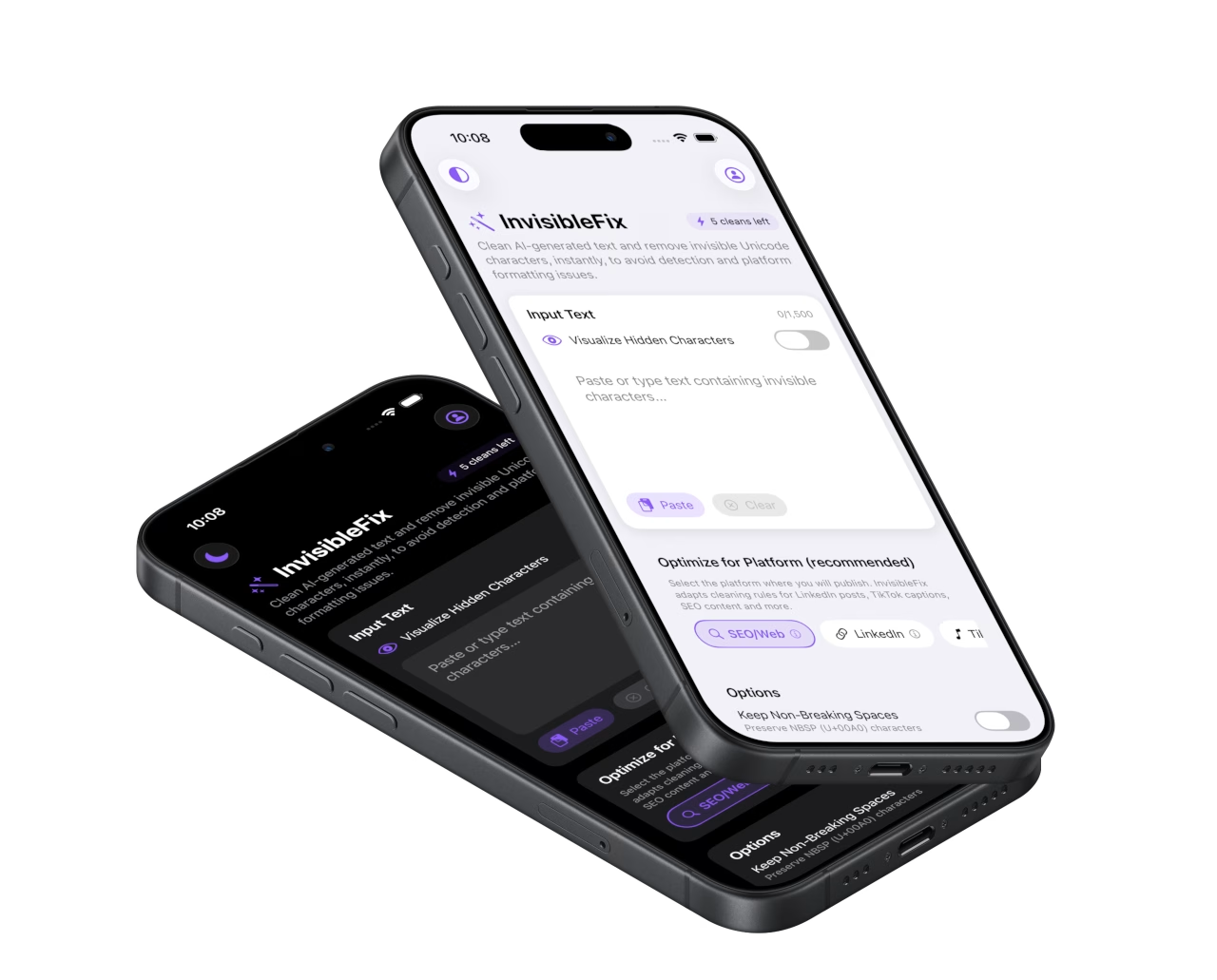
What AI-generated text issues are
AI-generated text issues are behavior failures that appear after content leaves the generation interface. Typical failures include wrapping refusal, early truncation on mobile, inconsistent spacing, and broken parsing of hashtags or mentions. These issues are structural rather than stylistic, which is why rewriting often fails to fix them.
The underlying cause is frequently invisible Unicode structure preserved through rendering and clipboard transport. Platforms interpret that structure using their own layout and parsing rules, producing inconsistent outcomes across devices and publishing surfaces.
The three core mechanisms
1) Cleaning: remove unintended artifacts
Cleaning standardizes text by removing unintended invisible Unicode artifacts while preserving meaning, emoji integrity, and multilingual behavior. It addresses artifacts such as non-breaking spaces and zero-width separators that change behavior after paste. The dedicated child page is Clean AI-generated text.
2) Normalization: stabilize behavior before publishing
Normalization formalizes cleaning as a repeatable publishing step. It collapses hidden variability into predictable structure so the same text behaves the same way across platforms. The dedicated child page is Normalize AI text before publishing.
3) ChatGPT-specific failures: common symptoms in real workflows
ChatGPT output is frequently copy-pasted into real platforms, making it a common source of formatting issues. Wrapping refusal, mobile truncation, and token parsing failures are often driven by invisible artifacts transported through the workflow. The dedicated child page is ChatGPT text formatting issues.
Common symptoms
Most AI-generated text issues surface as behavior failures: headings that refuse to wrap, captions that truncate early, spacing that shifts after paste, hashtags and mentions that stop being recognized, and content that behaves differently across apps. These symptoms are amplified on mobile due to narrow layouts and aggressive truncation thresholds.
Why it happens
AI text is typically generated in a chat interface, rendered through formatting layers, transported through the clipboard, and pasted into a destination platform that parses text for features. Each layer can preserve or introduce invisible structure. Because this structure is hidden, the problem is often misdiagnosed as a platform bug.
What to do in practice
A stable workflow applies normalization after editing and before publishing. This preserves intent while preventing platform-specific breakage. Local-first normalization keeps drafts private while removing unintended artifacts that cause wrapping, parsing, and truncation failures. For immediate cleanup, use app.invisiblefix.app.
Deep dives
The following articles expand on mechanisms, transport layers, and why these issues are persistent in modern workflows: